
In short: ChatGPT Business Hub lets businesses claim their profile in ChatGPT, manage their details and see how often ChatGPT points to their website. It does not buy a better spot in the answers. And if you run a business in Germany with neither a store nor an online shop, there is currently no matching way to add it.
- Beta since 10 Nov 2026, reachable from the ChatGPT sidebar
- Claim plus identity check unlocks profile editing and metrics
- No ranking lever: OpenAI explicitly rules out preferred recommendations
- Adding a new business only offers “physical location” or “online shop”
- Business Agents are US-only for now
What is ChatGPT Business Hub?
OpenAI calls the product “Businesses in ChatGPT”. Business Hub is where you manage it. You claim your business, edit description, website, category and logo, and see metrics. According to OpenAI, 1.2 billion people use ChatGPT every week (OpenAI announcement).
To be clear: this has nothing to do with ChatGPT Business, the paid team workspace. You don't need an ads account either (OpenAI help).
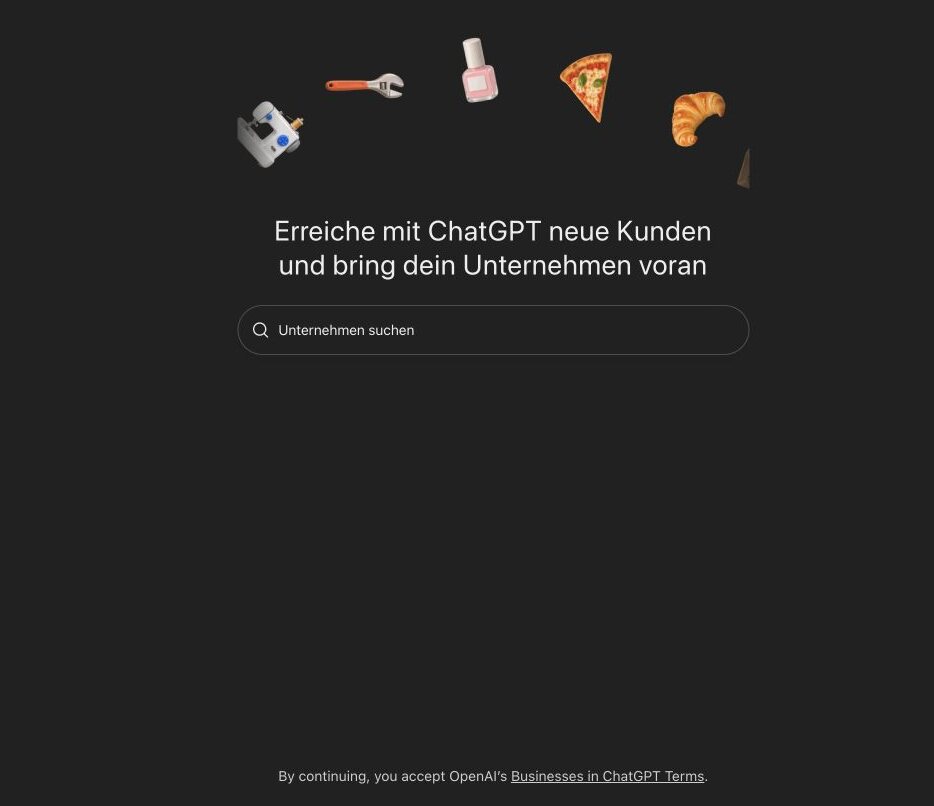
The entry page already has a catch that is easy to miss: below the search field it says that by continuing you accept the Businesses in ChatGPT Terms. They assume you are authorised to represent the business.
What does claiming get you?
After the claim and identity check you get three things (OpenAI help):
- Profile editing: website, description, category, logo, delivery and return policies. OpenAI reviews every change before it goes live.
- Product feeds: if you sell products, share prices and availability via CSV, a hosted feed URL or Shopify.
- 28-day insights: mentions, website clicks and “discovery topics”, themes in answers where ChatGPT cites you.
For online businesses, a mention only counts when ChatGPT references your website. The brand name alone doesn't count. Blank metrics don't mean zero, often just that a threshold wasn't reached. You never see individual conversations.
What claiming doesn't do, OpenAI states plainly: no guaranteed visibility, no control over independent recommendations. Advertising doesn't influence answers either. And ChatGPT keeps using other sources when it talks about you, above all your own website.
How does setup work?
- Open the hub: from the ChatGPT sidebar, with the account that should manage the business.
- Search: by name or domain. Check every result carefully. A similar name is not your company.
- Claim: via a code to the business phone, a code to the business email, a TXT record on your domain or Shopify. Which options appear depends on the business.
- Wait for approval: OpenAI reviews the claim and replies by email.
- Verify your identity: through the provider Persona, with ID, registration details and proof of authority. Only then do you get the blue check, metrics and profile editing.
If you create a new profile through Persona, OpenAI's approval publishes it automatically. There is no separate publish button. Support cannot delete a published profile.
Where do service businesses get stuck?
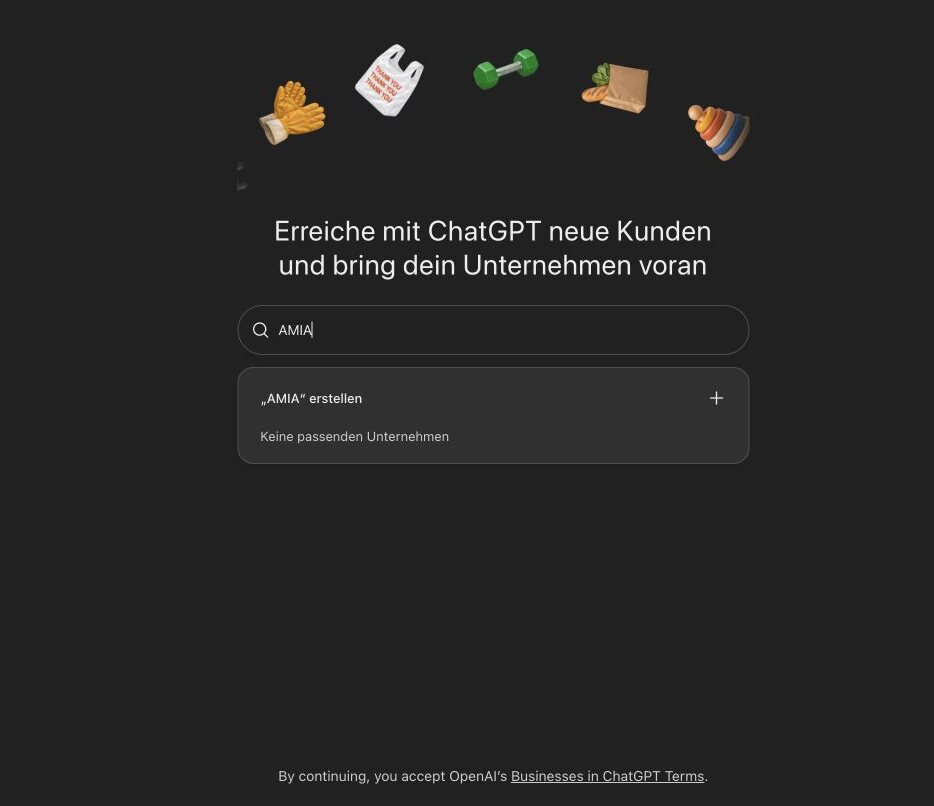
On 11 November I ran the flow with my own website, through an AI agent in the browser, with my approval at every decision point. The search found no matching entry and offered to create one:
The next step asks exactly one question. With exactly two answers:
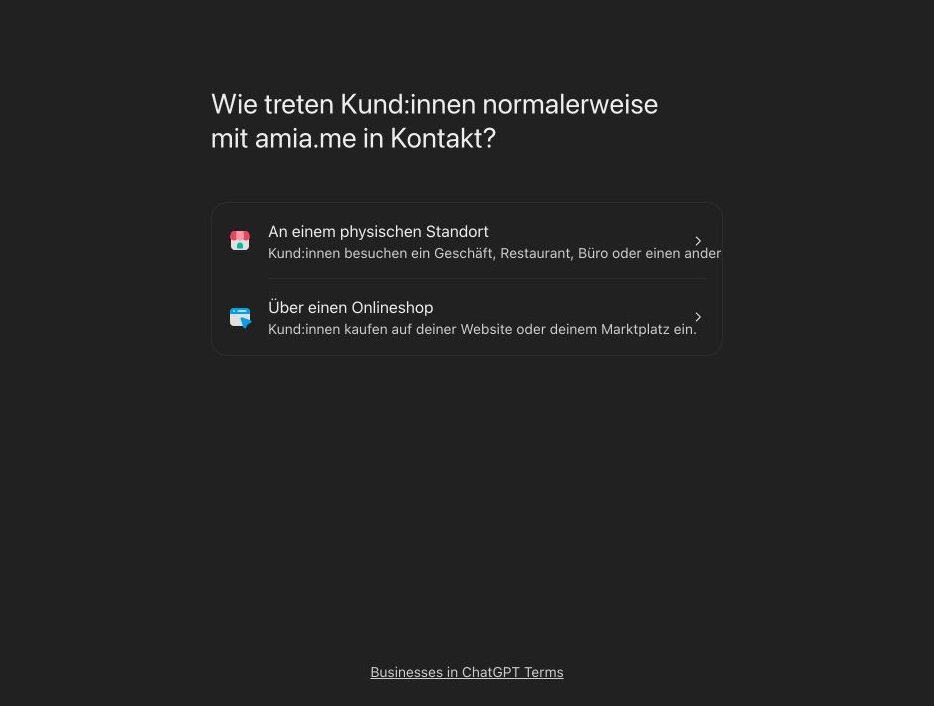
At a physical location or through an online shop. For a consultancy, an agency or a coach working via video calls, email or projects, neither fits. I stopped there. Picking a wrong category just to move on would break the policy, which requires accurate information.
OpenAI's help article indirectly confirms the gap: if you run an eligible online business, you may see an option to add it. Stores and restaurants can currently only claim existing US listings (OpenAI help). For service businesses in Germany there is no documented path as of today.
The agent got as far as the category. Then it needed an answer only the owner can give.That's the real lesson for me. An agent can research, click and document. For terms, identity and business model, a person belongs in the loop, a human gate. An agent that guesses here creates a false profile.
What about Business Agents?
The second new product: businesses can build their own chat agent that answers questions about products and policies inside ChatGPT. The chat is separate from the regular conversation and clearly labelled. The agent can't sell, book or check orders, it links to your website. At launch it's only available to eligible ecommerce and online service businesses in the US (OpenAI announcement).
What can you do today?
Even without a profile, it pays to check what ChatGPT says about you. Answers draw heavily on your own website. A language model likes to fill gaps on its own, and that's exactly where hallucinations come from.
Step 1: Open a new chat with web search. Turn personalisation off, otherwise ChatGPT answers from your own memory. Then use this prompt:
I own or am authorised to represent [company], website: [URL].
Use web search and public sources only:
1. How is the company described: offer, audience, location, contact? Link every source.
2. Separate self-published sources (own website, own profiles) from independent ones.
3. Which details are missing, outdated or contradictory?
4. Could it be confused with companies of the same or a similar name?
5. What should the website state more clearly so an AI classifies the offer correctly?
Flag uncertainty. Do not claim rankings. 400 words max.Step 2: Treat the answer as a checklist, not as truth. Open every cited source yourself.
Step 3: Clean up your website. Typical findings of such a check:
- Numbers that contradict each other (years of experience, team size, clients)
- An unclear location: where is the business based, where does it work?
- An outdated or unfinished legal notice
- An offer that lives in images and buzzwords, not in clear sentences
- Missing details customers ask about: services, process, price range
Step 4: Repeat the check in a few weeks with the same prompt and note the date. A changed answer doesn't prove cause and effect, but it shows a direction.
FAQ
What is ChatGPT Business Hub?
An area in ChatGPT where businesses claim their profile, manage their details and see aggregated metrics. OpenAI launched it in beta on 10 November 2026.
Is Business Hub the same as ChatGPT Business?
No. ChatGPT Business is the paid team workspace. Business Hub manages how your company appears in ChatGPT.
Will ChatGPT recommend my business more often if I claim it?
No. According to OpenAI, claiming does not guarantee more visibility or control over independent recommendations. Advertising does not influence answers either.
Can a consultancy without a store or online shop create a profile?
Not in our test on 11 Nov 2026. The flow only offered a physical location or an online shop. Do not pick a category that is not true. The policy requires accurate information.
Are Business Agents available in Germany?
Not yet. At launch, OpenAI offers them only to eligible ecommerce and online service businesses in the US.
Verdict
Business Hub is a useful new channel for managing company data in ChatGPT. It's not a ranking boost, and for service businesses in Germany it's still closed. Until that changes, your own website remains the biggest lever. I'll test again once OpenAI opens more categories.
Which option did the hub offer you? Write to hello@amia.me. I'll update this article when something changes.