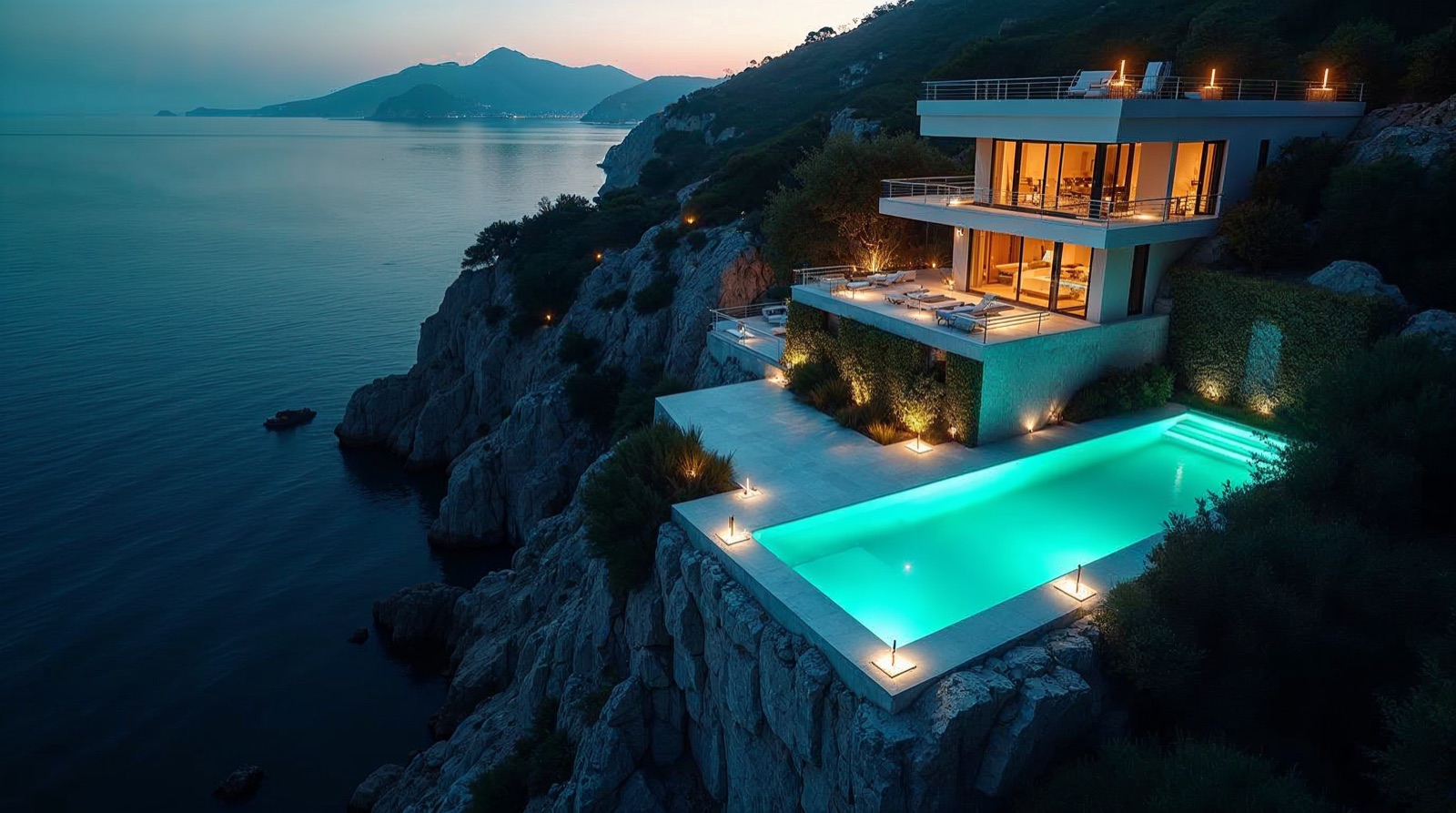
No — you do not upload 17 Airbnb photos, type a prompt and get a finished cinematic property film. Animating a single photo is surprisingly easy. But 17 individually impressive clips do not automatically become one coherent film. What is missing in between is direction: order, space, camera, continuity, editing and sound. I ran exactly that through a real case.
On TikTok it looks like one click. In reality it is a production process.The viral promise — and what actually happens
On TikTok, Instagram and YouTube the same almost brazen formula is doing the rounds: photos → prompt → cinematic Airbnb video → sell to landlords → side hustle. Some versions promise a four-figure monthly income from it. I wanted to know how much of that is reproducible. So I took 17 real photos of a villa in Ičići, Croatia and gave the job to Mike — the AI video agent in the AMIA setup. The brief sounded simple: turn these into a 30–35 second premium walkthrough, 16:9, with music, as if a real camera had travelled through the villa.
What happened next is why I no longer believe the "just upload your photos" version of the story.
- Why video generation is strong today — but generation is not the same as direction
- How a spatial map, start/end-frame interpolation and a rule hierarchy turn 17 photos into a believable film
- The honest part: V1 passed every QC and was still boring — and what the agent did when my instruction was wrong
- What such a video really costs — no fake earnings, no €5K promise
The full workflow — the spatial map, start/end frame, the seven-step rule hierarchy, the copy-paste prompt templates and the honest cost part — is in the full version:
Full version, free for your email
Spatial mapping, start/end frame, the 7-step rule hierarchy, all four prompt templates to rebuild it yourself and the real costs — enter once, unlock instantly.
Why the real problem is not generation
Moving one photo is quick: a dolly-in, a little parallax, a subtle orbit — a single image looks impressive fast. But 17 impressive clips are not a film yet. What is missing is context. A human looks at a photo series and immediately builds a mental map: these four images are the same living room from different angles. This one is upstairs. These two belong to the same bathroom. A video model does not get that just because you uploaded 17 files.
It sees images and may recognise the objects in them. That is not the same as understanding the topology of the building. Here a precise prompt alone does not help — the layer above it is missing.
Image recognition is not spatial understanding. A model knows there is a sofa in the frame — not that the bedroom behind that door is the same one you see two photos later.
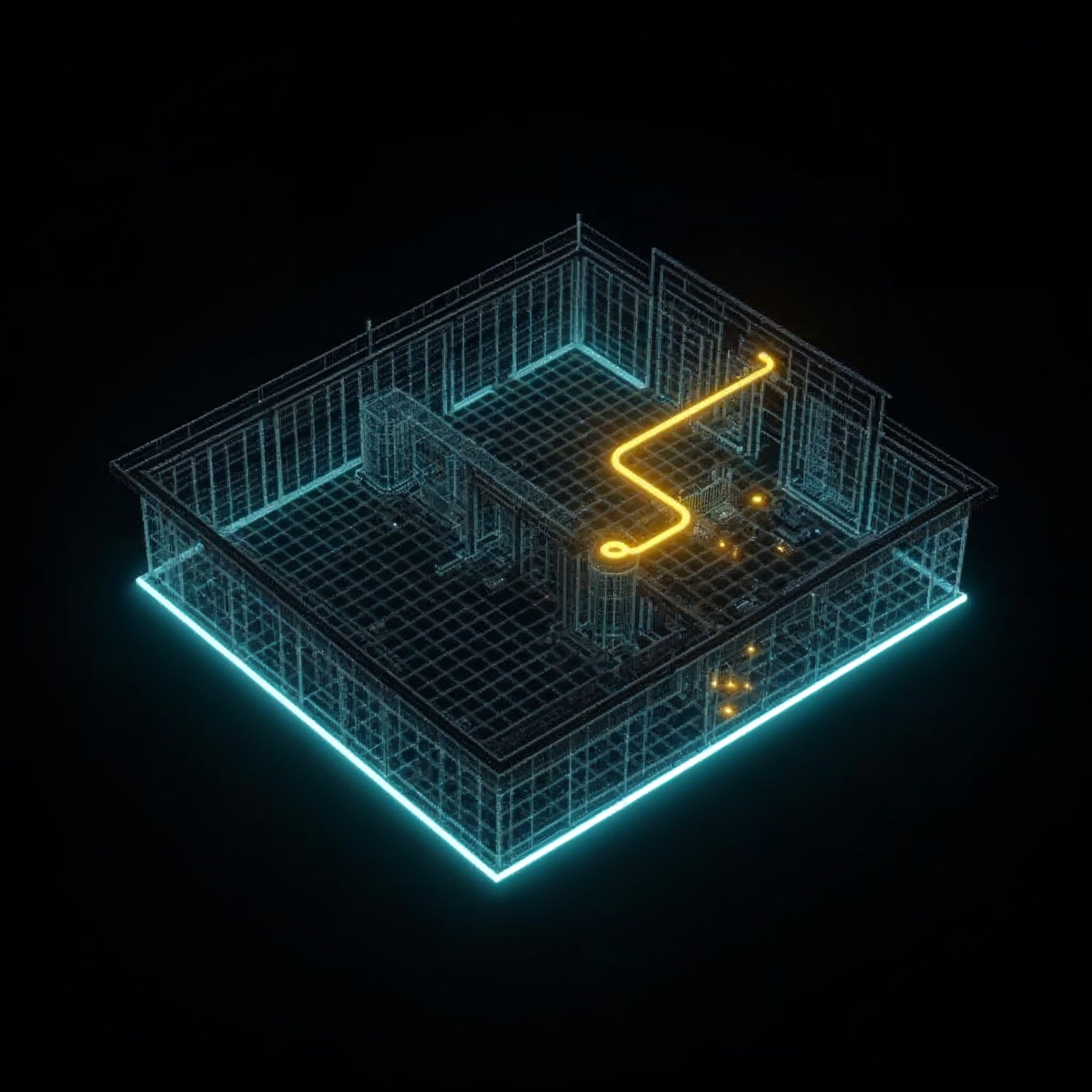
Step 1: build the spatial map before generating anything
Before generation, every image gets a role. The route through the villa became: exterior → living → kitchen → upstairs → bedroom 1 → bathroom → bedroom 2 → back → pool/view. Only after that map existed did it make sense to plan camera movement at all.
| Images | Meaning | Narrative function |
|---|---|---|
| 01 | Exterior | Establish the villa and pool |
| 02–05 | Living room | Move through the same connected space |
| 06 | Living → kitchen | Show the open-plan relationship |
| 07–08 | Kitchen / dining detail | Continue the ground-floor sequence |
| 09 | Upper-floor landing | Transition upstairs |
| 10–11 | Bedroom 1 | Arrival + window/view |
| 12–13 | Bathroom | Short interior reveal |
| 14–15 | Bedroom 2 | Second private-space sequence |
| 16 | Bedroom 1, alternate angle | Final interior beat |
| 17 | Pool / view | Hero finale |
Why V1 passed every QC — and was still boring
The first attempt was technically fine: images analysed, shots planned, movements generated, music created, edit built, technical quality control done. Result: about 35 seconds — and it still felt like a sequence of nicely animated property photos.
Every shot passed QC. I still didn't like the film.That was the turning point. Our QC was testing whether the AI had made mistakes — not whether we had made a good movie. The structural reason: each clip was generated from a single start image only. Within one photo you can simulate camera movement, but every switch to the next photo stayed a hard cut. The problem was not primarily the prompt — the production architecture was wrong.
The technical turning point: start and end frame
During research it turned out that Kling v3 Pro via fal.ai accepts an end_image_url alongside the start image. A segment can then interpolate from reference A to reference B — and the next segment builds on B. Instead of hard cuts, you get transitions.
This does not create a physically perfect camera move. The AI interprets the space between the references — and can also hallucinate it. More freedom means a more spectacular move, but a higher risk that architecture gets invented.
What happens when the agent overrules your instruction?
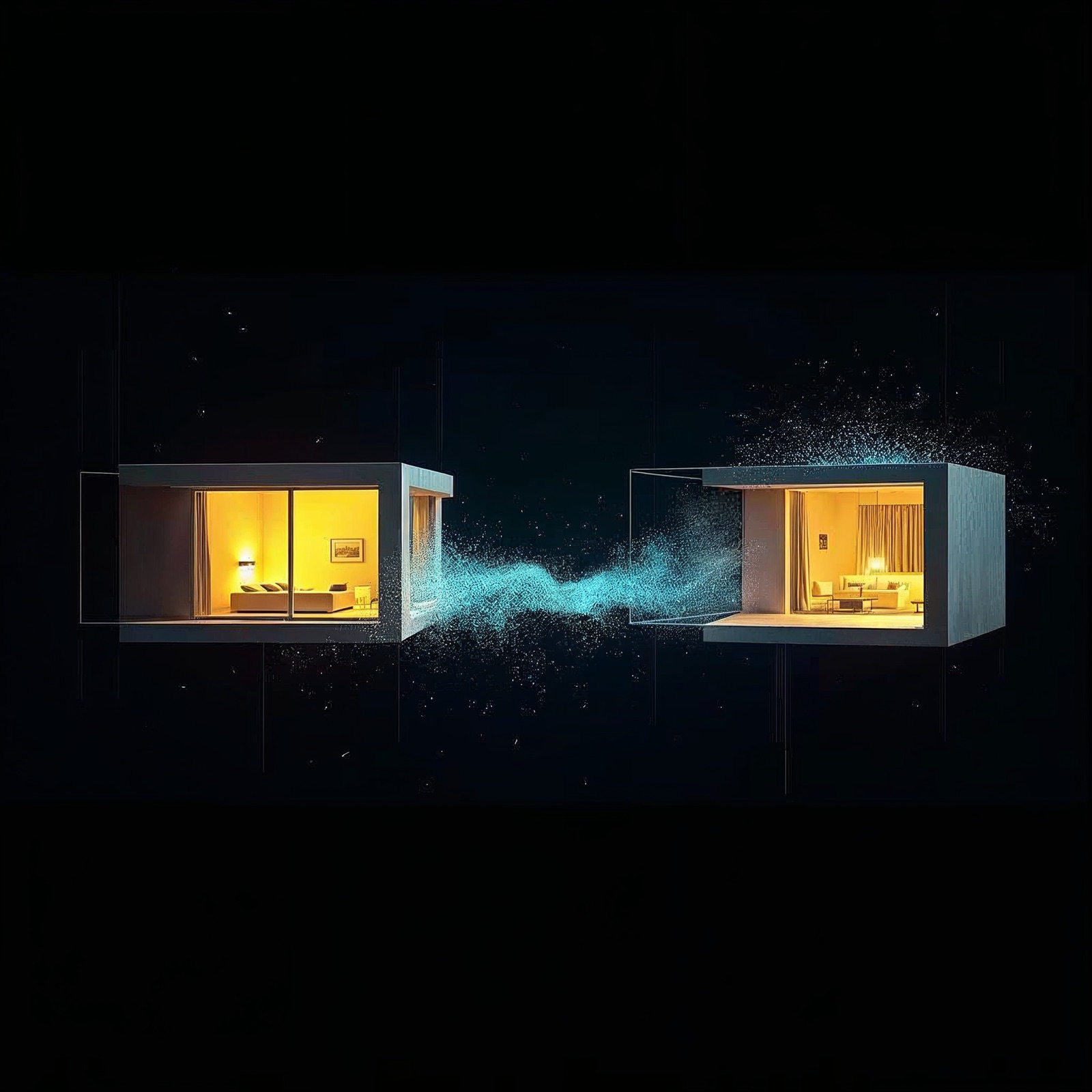
Then it got more interesting than the video generation itself: Mike ignored one of my instructions. And he was right. I had described image 09 as a staircase and wanted the camera to move upstairs. But the photo showed no staircase — it showed the upper-floor landing: balustrade, skylight, a doorway toward the bedroom. Forcing a stair ascent would have required the model to invent architecture that was not in the source.
But Mike had a higher-priority rule: the real photos are the truth; never invent architecture. So he rejected the specific camera instruction and animated the image as the arrival at the top of the stairs. That was the correct decision.
My briefing was wrong. The AI agent corrected it. That is far more useful behaviour than blindly following every instruction — but only if the agent knows which rule outweighs which.
Rule hierarchy: which instruction is allowed to lose
Two instructions conflicted: "move the camera up" versus "do not invent architecture". The constraint wins over the task. It is a small example of something that becomes critical once agents do real work. A useful agent needs more than a task prompt — it needs a priority order:
RULE PRIORITY

1. Source photos are the truth.
2. Never invent architecture, rooms, doors, windows, furniture or views.
3. Preserve geometry and physical plausibility.
4. Maintain continuity between shots.
5. Follow the storyboard — when it does not conflict with 1–4.
6. Prefer restrained realistic camera over spectacular hallucination.
7. If the script conflicts with the image, flag it and adapt the script.
Rule 7 is the one that saved the staircase shot. That is one of the differences between prompting and real AI operations.
Pilot instead of full build: budget, test, stop condition
Before the full rebuild came a small test: about $1.80 for two critical segments instead of $8.40 for the whole run straight away. Only when those two critical legs convinced did it continue. That is agentic AI in practice — not "just let the AI run".
Autonomy + budget constraint + test + evaluation criteria + stop condition + human approval = controlled execution. That bracket is what separates an agent from an expensive random generator.
V2: more cinematic — but with a new problem
V2 is about 26 seconds and feels for the first time like a fast FPV one-take. At the same time the AI interprets parts of the villa more strongly. That is not a side effect to hide — it is one of the most important results of the experiment:
| Dial | Gain | Price |
|---|---|---|
| More constraint | higher factual fidelity | quicker to feel static, slideshow-like |
| More creative freedom | more spectacular camera move | higher hallucination risk |
No fake for the finale: not a single source photo shows the pool and the sea at once, so there was no artificial pool-plus-sea compositing pretending to be real. The real sea view carries the ending.
So… can this become a €5K side hustle?
Potentially. But not because a magic prompt turns photos into finished commercials. The valuable skill is not pressing "Generate" — it is turning messy source material into a coherent production workflow: understand the assets, plan the story, direct the model, control hallucinations, select the right generations, edit for rhythm, deliver something a client can actually use.
Reliable from this experiment: ~$1.80 pilot, ~$8.40 full build in generation cost, plus music/API. The human time — analysis, direction, QC — is the bigger line item. No fake earnings: the €5,000 is the claim we test, not what was earned here.
If AI video generation keeps commoditising, this distinction becomes more important, not less. Generation gets cheaper. Taste, direction and workflow become the product.
Build it yourself: the prompt templates
You do not need Mike for this. The process runs manually too — with a multimodal model, an image-to-video model and an editor. The four core prompts:
A · Image analysis
Analyze these property images as material for ONE continuous
walkthrough. For every image identify:
1. room / location   2. likely relationship to adjacent images
3. visible architectural anchors   4. foreground for parallax
5. plausible camera movements   6. anything that must NOT be invented
Do not assume two images are different rooms only because the
perspective changes. Flag uncertainty explicitly.
B · Spatial mapping
Build the most plausible physical route from the analysis.
Group images of the same room. Identify transitions between
connected spaces. Do not invent missing rooms, doors or corridors.
Output: IMAGE NO → LOCATION → PREVIOUS SPACE → NEXT SPACE → CONFIDENCE
C · Storyboard
Turn the map into a 30–35s walkthrough. Per shot:
source image, narrative role, camera movement, direction, speed,
duration, parallax opportunity, transition into the next shot.
Avoid repetitive push-ins. Prefer realistic architectural camera
over spectacular AI movement.
D · Rule hierarchy
You give the seven priorities above to the system explicitly. The final line — "if the script conflicts with the image, adapt the script" — is the one that protects you from invented architecture.
Want systems like this inside your company?
I build these pipelines — from architecture to a running, controlled production. Or you want the operator notes: irregular, concrete, no spam.
FAQ
- Are 17 photos + 1 prompt enough for a finished property video? No. You can animate single photos, but without image analysis, a spatial map, a storyboard, camera direction and an edit there is no coherent film.
- What does "Generation is not Direction" mean? The AI can create impressive images (generation). Making a spatially believable film from them (direction) is a different task.
- Image recognition vs. spatial understanding? The model recognises objects but not the topology of the building — you have to build that as a map first.
- Why does an agent need a rule hierarchy? Because instructions conflict. "Source photo is the truth" has to be allowed to beat "do a stair move".
- Is €5,000 realistic? The number is the claim being tested, not a promise or an earned result. The product is taste and workflow, not the prompt.
Key takeaways
- Video generation is real and good — the one-prompt workflow is not.
- Image recognition ≠ spatial understanding: build the map, then the video.
- QC that only checks AI mistakes says nothing about whether the film is good.
- A useful agent needs a rule hierarchy and may push back with reason.
- Autonomy without a budget, a test and a stop condition is not an agent, it is a risk.
The technical foundation behind the video stack: Forget Runway: build your own AI Video Studio with Claude Code explains the infrastructure — this case explains the real-world production.